
Fuad Isaacs · DTF Garment Kit Specialist
Labels that survive the van
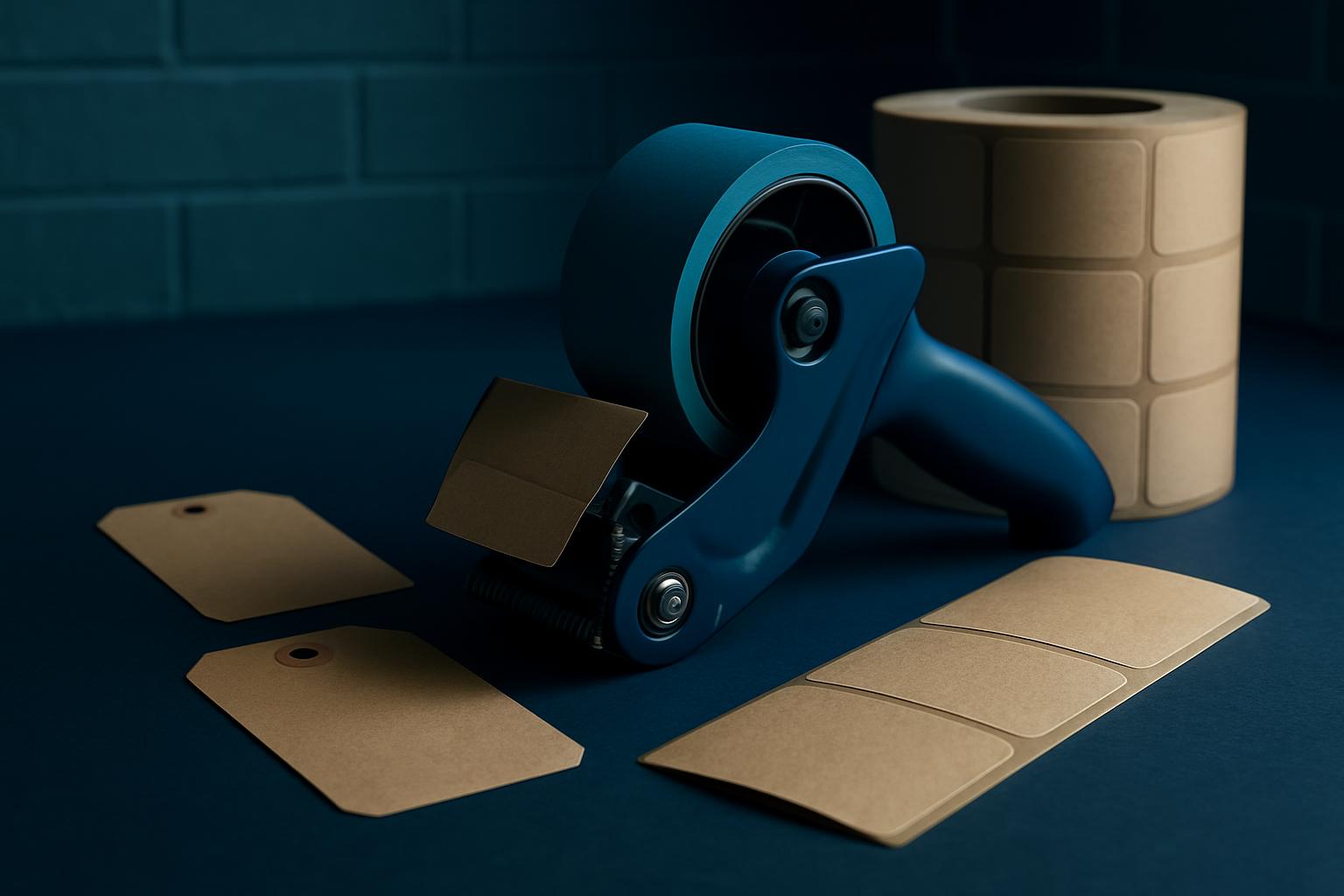
Thermal labels and dispensers that keep orders readable from bench load-out to van drop-off.
Why van-proofing matters in SA dispatch
Getting a label from your cutting or print bench into a van and all the way across Gauteng isn’t as simple as it looks. South African makers deal with more than cold chain or quick box turns. You’ve got Highveld dust working its way under tapes, stuffy mall unit humidity at Boardwalk and Riverside, and those muddy loading zones out at Tyger Valley’s service gate. Use the wrong labels or ribbons and you’ll pay for it when the delivery team phones back, saying the barcodes got smudged or thermal code just faded. Reprints waste your own time, especially if you’re pulling from FET college crews that rotate shifts and don’t always double-check if the label stock is even rated for thermal printing.
What ruins a label before it leaves the depot
Thermal labels are meant for speed, not for surviving a wet bakkie floor or a dusty Germiston yard. The most common reason orders run late? Labels unreadable at check-in. The main culprit isn’t the van or the rain, it’s poor matchups on the bench itself. If you’re using unsealed cardboard, the label edge will curl. Miss out on cleaning the printhead, and you’ll get striping, which makes it hard for warehouse scanners to pick things up. It’s easy to think a fresh roll is always enough, but a lot of print misses happen in the first cut of the day.
A practical method for picking van-ready labels
Settle on a label type rated for the conditions your shop actually faces, not just what the supplier down the road says ‘should work’. If your bench is next to the spray booth or heat-press, go for a label with a synthetic top coat and either a permanent or removable glue (never general purpose in truck loads). Load test labels before a big week: stick a batch on aluminium scrap in your yard, run them through a van cycle (sun, humidity, dust), and check the scannability at the end. If you print variable info like serial numbers, record the printer settings you actually used, dpi, feed rate, and heat profile, so you’re not guessing next time.
What to record in your kit log
Don’t just note ‘thermal label roll, 1000 units’. Record the brand, type (direct or transfer), glue rating, and batch date. Add a spot for which batch of ribbon was used (if you’re doing transfer). Mark down the printhead cleaning schedule and which operator did the run, it helps track print fails when jobs start picking up ahead of Black Friday. For repeat dispatch jobs (like mall kiosks restocking at Menlyn or Gateway), your log should include which van took the first test batch and whether labels arrived readable. Over a few months, you’ll see patterns, which kits hold up on summer roads, which fade on the shelf.
Worked example: Germiston bench to coastal van
Let’s say your plant at Sunnyrock is shipping 500 cut vinyl sets for an event at Boardwalk. You’ve picked 102 mm x 192 mm direct thermal labels, synthetic top coat, permanent adhesive. You run a test print batch on your Argox OS-214 at 203 dpi, 70 mm/second, heat at medium. Labels are applied to the outer box, logged in dispatch kit as ‘Dyno DTL-SYN-102192, batch 2372’. A test batch is stuck to a spare box and left in the Germiston yard for 24 hours, then sent with a van to Boardwalk. Upon arrival, labels remain readable and scanners report no errors. If not, your team would check for cause, did dust get under the label, printer heat too low, or glue not suit the box stock? Any issues are added to the kit log for next dispatch.
Email the ByThis shortlist team
Tell us the city, the station sentence, and which pick you already tried. We reply from Sunnyrock with a shortlist that fits the week ahead.